The alarm that doesn’t stop until you tap.
Put Clio across the room. Your alarm only stops when you get up, walk over, and tap it.

How it works
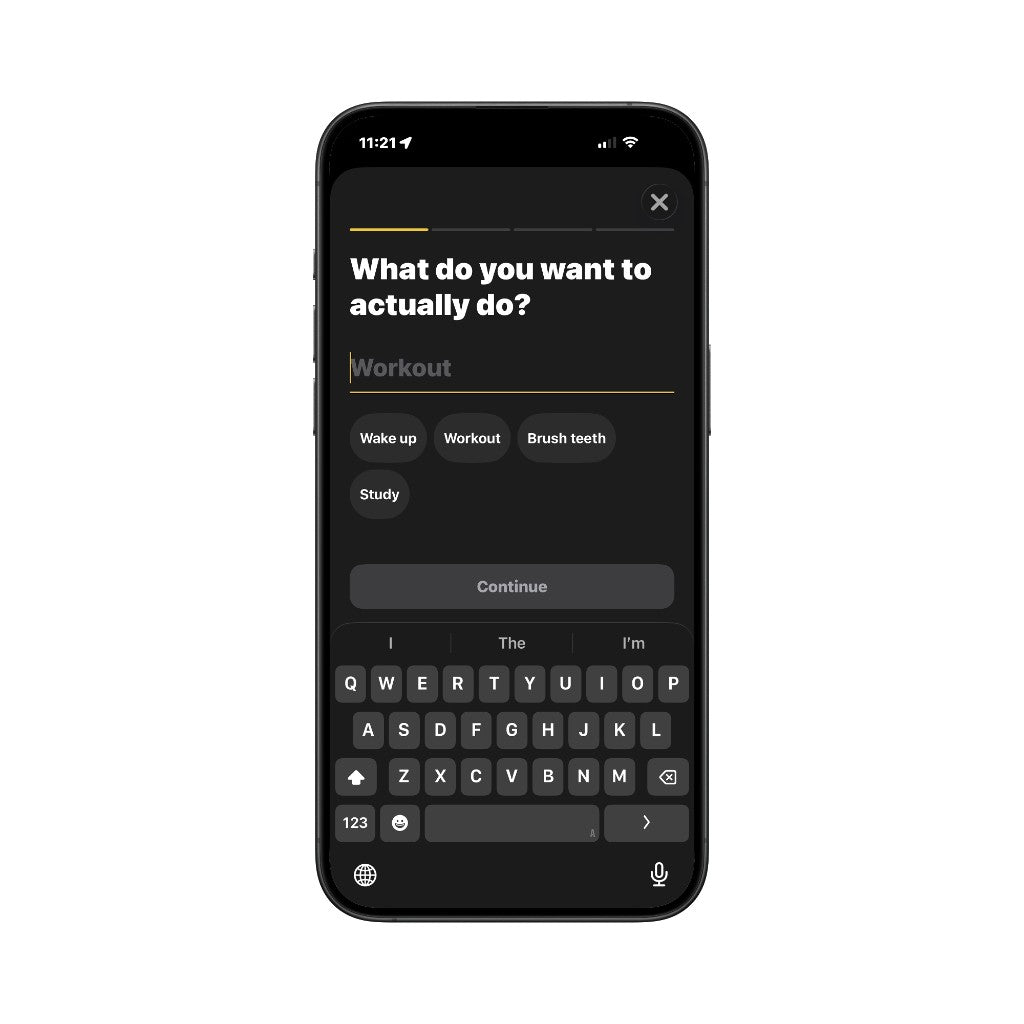 1. Set your alarmPick a wake-up time in the Clio app.
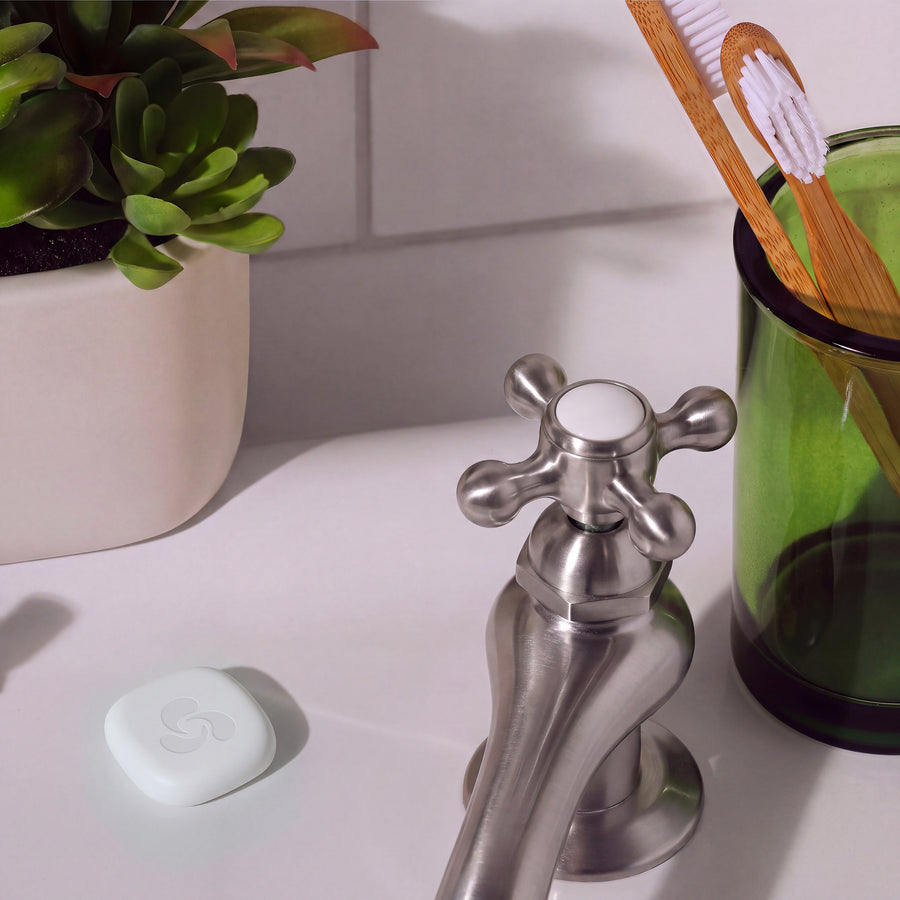
 2. Put the tag across the roomBy the sink or the door. Not the nightstand.
 3. Walk over and tapThe alarm stops. You’re already up.
Choose your Clio.
One tag, two ways to use it. Pre-order · Ships December 2026 · Free US shipping

FAQ
Questions?
We’ve got answers.
What is Clio?+
A small NFC tag you tap with your iPhone. Use it as an alarm that only stops when you walk over and tap it (Clio Wake), or to log a habit every time you do it (Clio Habits).
What comes in my order?+
The tags you pick, a magnetic mount, and the app. No subscription.
Where do I put it?+
Clio Wake: somewhere you have to get out of bed to reach, like the sink, the kettle, or the door. Clio Habits: wherever the habit happens, like your water bottle, desk, or gym bag.
How do I use it?+
Clio Wake: set your alarm in the app, put the tag across the room, and tap your phone to it when it rings. Clio Habits: link a tag to a habit in the app, then tap your phone to it when you do the habit.
Do I need a Clio tag?+
Yes. Clio works when your phone taps a Clio tag.
Do I need an iPhone?+
iPhone only. iPhone 7 and newer support NFC tag reading.
Is this a preorder?+
Yes. Ships December 2026, with free shipping in the US. You're charged when you order, and you can cancel for a full refund any time before it ships by emailing cliotap.support@gmail.com.
How much does it cost?+
Clio Wake: $29 for 1 tag, $29 for 3. Clio Habits: $55 for 3 tags, $55 for 6. Free shipping in the US.